
How to Write a Design Brief That Saves You Time and Money (Free Template)
November 8, 2026
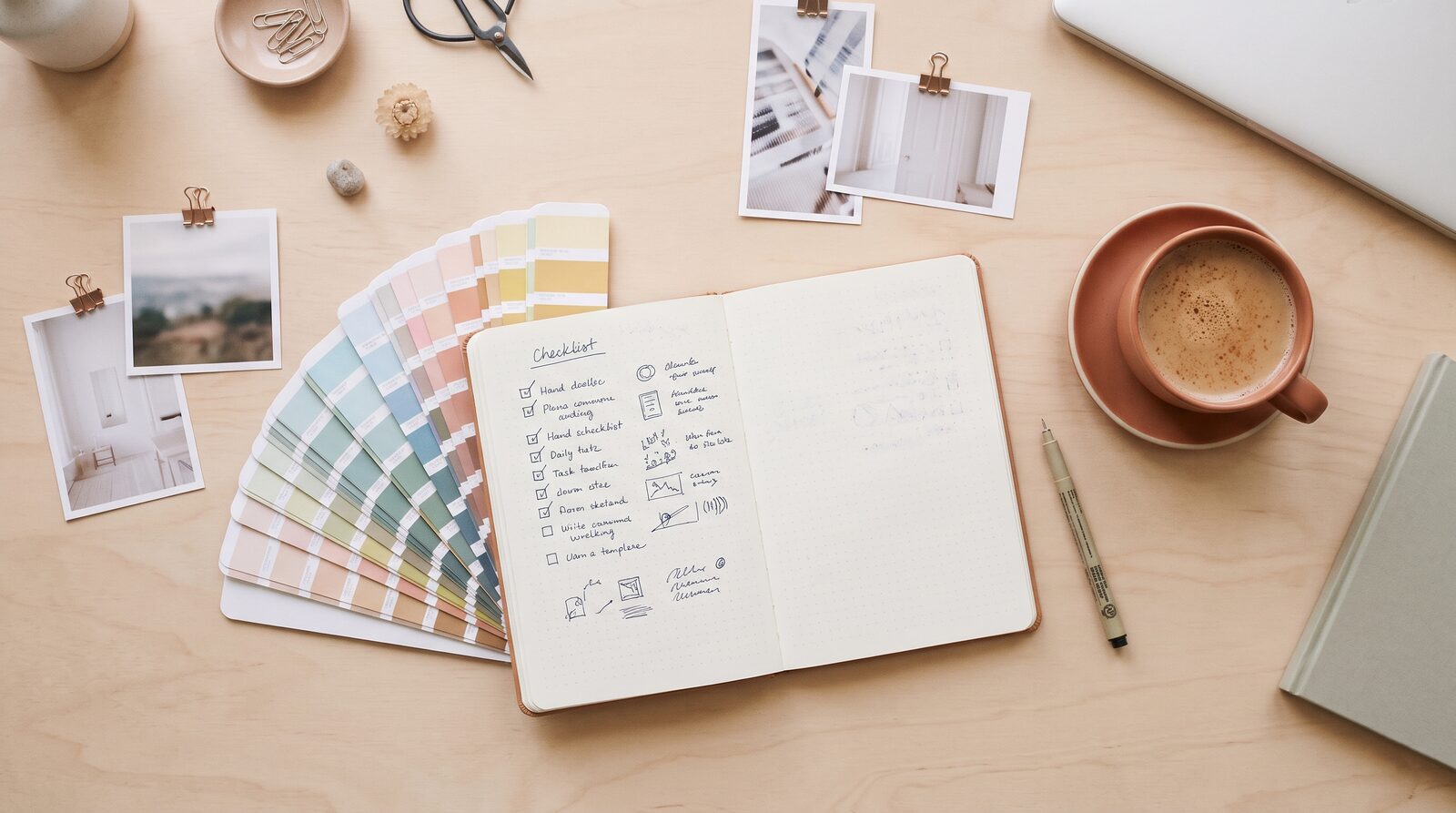
When a design project goes over budget, the cause is usually not the designer. It is the brief. "Make me a nice logo" or "design a festival post" leaves the designer guessing, and every wrong guess is another round of changes, another day of delay and often another invoice.
A clear brief fixes this. It takes about half an hour to write, and it can save days of back-and-forth. Here is what to include, followed by a template you can copy.
1. About your business
In two or three sentences: what you sell, where, and what makes you different. "We are a family-run sweet shop in Varanasi, known for traditional recipes and festival gift boxes" tells a designer far more than a company name.
2. Who the design is for
Describe your customers: age, location, language, budget level, and what they care about. A design for college students looks very different from one for corporate buyers or wedding families. If you serve more than one group, say which one this design is for.
3. The goal
What should this design achieve? Be specific:
- "Get people to order Diwali gift boxes on WhatsApp."
- "Look premium enough to sell to hotels."
- "Announce our 10th anniversary to existing customers."
A clear goal helps the designer decide what to make big, what to leave out and where the call-to-action goes.
4. Exactly what you need
List every item and size. This is where many projects go wrong, because the client asks for "a poster" and later needs an Instagram post, a story, a WhatsApp status and an A4 print version as well. For example:
- Instagram post (1080 × 1350 px) and story (1080 × 1920 px)
- A4 flyer for print
- Website banner (give the size from your website developer)
The social media image size cheat sheet and the free print size calculator help you get sizes right.
5. Must-have content
Provide the final text, phone number, address, logo files, prices and photos before the design starts. Changing text after the layout is done is one of the most common causes of extra revisions. Check spelling and numbers yourself first.
6. Style: show, don't just tell
Words like "modern", "premium" or "eye-catching" mean different things to different people. Instead, share two or three examples you like and one or two you do not, and say why. "I like the clean layout of this one, but not the dark colours" is very useful feedback before any work begins.
If you already have brand colours and fonts, include them. If not, say so; the designer can suggest some.
7. Competitors
Name two or three competitors. This shows the designer what customers in your market are used to seeing and helps make sure your design stands apart instead of looking like a copy.
8. Budget, deadline and revisions
Be honest about your budget and when you need the final files. Agree in advance how many rounds of changes are included. A realistic deadline gives you better work; a rushed one usually costs more.
9. Who approves
Name the one person who gives final approval. When feedback comes from several family members or partners who disagree, the designer has to go in circles, and the project takes longer.
10. Files you need at the end
Say which files you need: print-ready PDF, PNG for social media, vector files for logos, and whether you need editable source files. See what files to ask your designer for.
Free design brief template
Copy this into an email or document and fill it in:
- Business: what we do, where, what makes us different.
- Audience: who this design is for.
- Goal: what this design should achieve.
- Deliverables: each item, with size and where it will be used.
- Content: final text, contact details, prices, photos, logo (attached).
- Style: examples I like and dislike, with reasons. Brand colours and fonts, if any.
- Competitors: two or three names or links.
- Budget: amount or range.
- Deadline: date for first draft and final files.
- Revisions: number of change rounds included.
- Approver: name of the person who gives final approval.
- Final files: formats needed (PDF, PNG, SVG, AI/EPS, source files).
How to give feedback after the first draft
- Collect all feedback into one message instead of sending changes one at a time.
- Explain the problem, not only the fix: "the phone number is hard to see" is better than "make it red".
- Refer back to the goal and audience in the brief, not only personal taste.
Final thoughts
A good brief is the cheapest way to get better design. It helps the designer get it right the first time and gives you a clear way to judge the result. If you are planning a project and would like help turning your idea into a brief, you can contact me.