

How AI Is Changing the Design Industry in 2026 (and What Designers Should Do About It)
November 28, 2026
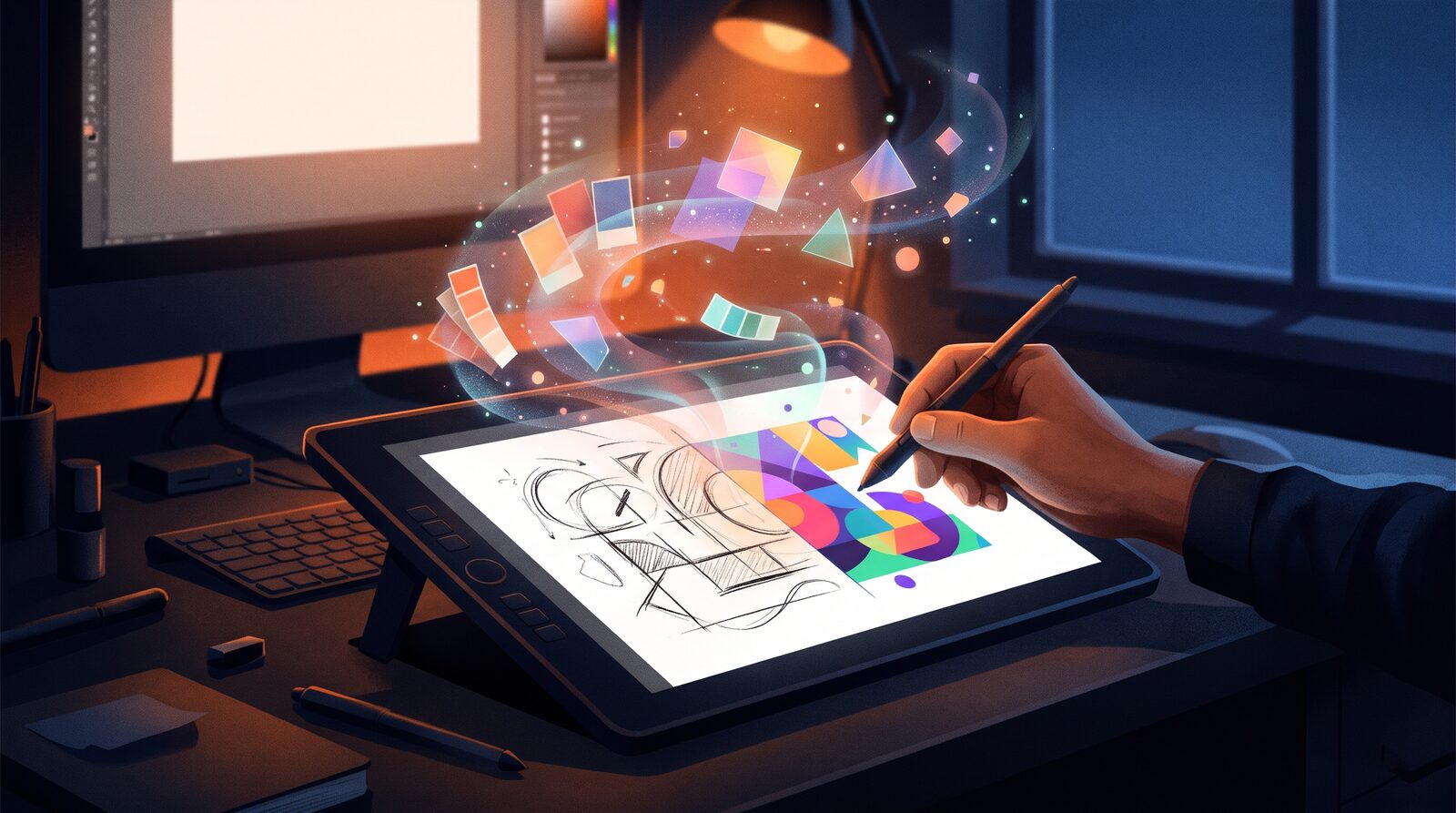
Only a few years ago, "AI design" meant a novelty filter. Today generative tools are built straight into the software designers use every day: Photoshop's Generative Fill, Illustrator's text-to-vector, Canva's Magic Studio and Figma's AI features. Clients have tried them too. So the real question is no longer whether AI will affect design work, but how, and what a working designer should do about it.
This article looks at the practical changes: which tasks AI has taken over, where it still falls short, how stock sites and clients are responding, and the skills that are becoming more valuable, not less.
1. The boring parts of design got much faster
The biggest change is speed on repetitive work. Tasks that used to eat an afternoon now take minutes:
- Background removal and extension. Cutting out a product or widening a photo to fit a banner is now one click.
- Resizing for every platform. One design can be adapted to Instagram, YouTube, WhatsApp status and a website banner almost automatically.
- Mockups and variations. Showing a client five colour options or a logo on a shop sign no longer needs hours of manual work.
- First drafts of copy. Headlines, captions and alt text can be drafted quickly, then edited by a human.
For freelancers this is good news: less time spent on production means more time for the thinking that clients actually pay for.
2. Where AI still struggles
AI output looks impressive at first glance, but professional work exposes its limits quickly:
- Text and lettering. Generated images still produce misspelled or warped text, which is a problem for festival greetings, posters and logos where the words are the message.
- Cultural accuracy. Religious symbols, regional festivals and traditional clothing are often wrong in small but important ways. A Khanda, a Ganesha or a Diwali diya drawn incorrectly can offend the very audience it is meant for.
- Consistency. Keeping the same character, style and colours across a whole campaign is still hard with generative tools.
- Clean vectors. Most AI output is a raster image. Turning it into a tidy, editable vector for print still needs a designer.
- Brand strategy. AI can make an image. It cannot tell a business owner which image will make their customers trust them.
3. Stock sites have drawn clear lines
Stock agencies have responded in different ways, and contributors need to know the rules:
- Disclosure. Major agencies such as Adobe Stock require AI-generated content to be labelled as such when it is uploaded.
- Different policies. Some sites accept labelled generative content, others restrict it, and the rules keep changing. Always read the current contributor guidelines before uploading.
- Buyers want trust. Many buyers, especially businesses, prefer human-made work with clear rights, because it carries less legal risk.
The result is a market flooded with quick AI images, which makes carefully made, accurate, well-keyworded human work easier to stand out, not harder.
4. What clients now expect
Clients have adjusted their expectations too. Many now expect faster turnaround and more options in the first round. At the same time, small businesses have discovered that "free" AI images often look generic and do not match their brand. That creates demand for designers who can:
- create a consistent visual identity that AI tools can then follow,
- check and fix AI output so it is accurate and on-brand,
- deliver print-ready, editable files, and
- understand local culture, language and festivals.
5. Skills that matter more than ever
Taste and art direction
When anyone can generate a hundred images, the valuable skill is choosing the right one and knowing why it works. Composition, colour, hierarchy and typography are still the foundation.
Typography and lettering
Because AI is weak at text, strong lettering skills are a real advantage. Festival wishes, calligraphy and typographic logos are areas where human work clearly wins.
Vector craft
Clean, scalable vectors that print well on banners, packaging and business cards remain a professional skill. Browse calligraphy and typography designs or vector graphics to see work where precision matters.
Cultural knowledge
Designers who know the meaning behind symbols, colours and rituals can serve audiences that generic tools get wrong. This is especially true for Indian festivals such as Ganesh Chaturthi, Guru Nanak Jayanti and Makar Sankranti.
Using AI as an assistant, not a replacement
The designers doing best are not the ones refusing every tool. They use AI for the slow parts, such as extending a background or drafting ideas, and keep the creative decisions and the final quality check for themselves.
6. A simple workflow that works
- Brief first. Write down the audience, message, platform and deadline before opening any tool.
- Sketch the idea yourself. Decide the layout and the key message by hand or in a quick wireframe.
- Use tools for production. Speed up resizing, cut-outs and variations.
- Check every detail. Spelling, symbols, hands, faces, edges and colours.
- Deliver the right files. Vector for print, compressed images for the web. Free browser tools like the image resizer and image compressor help with the last step.
The bottom line
AI has changed how design gets produced, but not why people hire designers. Businesses still need visuals that are accurate, consistent, culturally right and built to work in print and online. Designers who combine strong fundamentals with smart use of new tools are in a better position than ever. The work that is easy to automate was never the most valuable part of the job.